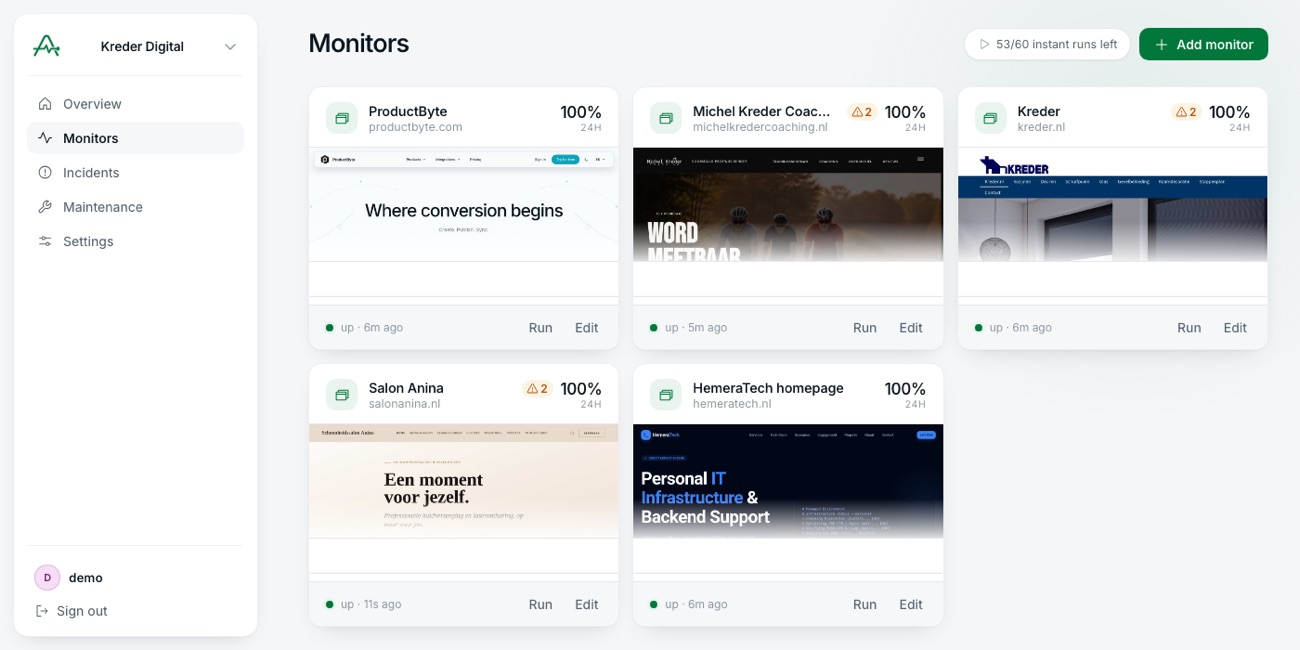
HemeraTech homepage
hemeratech.nl
100%
24h

up · 2m ago
 Auguro
Auguro opens your site in a real browser, sees what your customers see, and tells you when that stops working.
No account, no card. A real browser, in about five seconds.
Same website, same second. One check is satisfied. The other can see the shop is gone.
One broken script was enough. The site sent the page over perfectly — it just never finished loading for anyone. A check that only asks whether the site is online stays green for the whole outage.
Every run keeps a screenshot and the full page source. Nothing to reproduce after the fact.
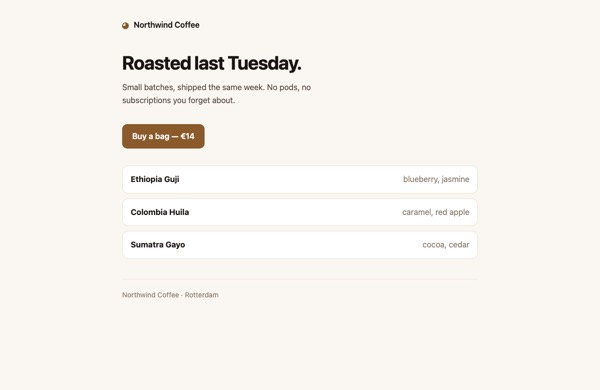
Every picture here was taken by the browser that ran the check.


Seven vantage points across North America, Europe, Asia and Oceania. Regional samples are measurement only and never raise an alert.
https://example.com/The connection was closed before anything arrived
https://example.com/The same Chromium your customers use. Checks something actually appeared.
Not just that something did.
When nothing answers, another part of the world checks before we wake you.
One thread across every channel, however long it lasts.
When we can read the padlock, you get weeks of warning before it expires and browsers start turning people away.
How fast it loads from four continents. Never wakes anyone.
Maintenance windows pause the alerts, not the checks.
Run and stored in the EU, screenshots and page source included.
You pay for how many sites you monitor and how closely. Your whole team is included on every plan.
Browser checks are the expensive ones — they open a real browser. Browser hours are how much of that you get. Quick checks are included on every plan and never count against them.
| Free | Starter | SoloMost chosen | Studio | Business | Agency | |
|---|---|---|---|---|---|---|
| Monitors | 1 | 5 | 10 | 25 | 60 | 150 |
| Browser checks | daily | every 6 hours | every 15 minutes | every 5 minutes | every 2 minutes | every minute |
| HTTP checks | 50 every 5 minutes | 50 every 5 minutes | 100 every 5 minutes | 200 every 5 minutes | 300 every 2 minutes | 500 every minute |
| Browser hours | 1 | 20 | 50 | 100 | 250 | 500 |
| Journeys | — | 1 every 6 hours | 3 every 15 minutes | 6 every 10 minutes | 12 every 5 minutes | 25 every 3 minutes |
| Latency regions | — | all 7 | all 7 | all 7 | all 7 | all 7 |
| Team members | unlimited | unlimited | unlimited | unlimited | unlimited | unlimited |
| Price | Free | €5/mo | €15/mo | €29/mo | €59/mo | €119/mo |
| Start free | Choose | Choose | Choose | Choose | Choose |
Browser hours are what browser checks spend, and they are what decides how many monitors you can run at a given speed — the cadence above is the fastest a browser check may run, not something every monitor can do at once. How far the hours go depends on your pages: a hundred of them is about 13 monitors checked every five minutes if your pages are quick, 8 if they are typical and 5 if they are heavy, or 41, 25 and 15 at fifteen minutes. The app shows the same three against your own cadence before you commit to it. HTTP checks do not count against any of it. Change plan or cancel at any time from your billing settings. Your data stays in the EU on every plan, including Free.
Every alternative in one table, including the rows where the other tool is the better choice.
Yes. Paste any address into the box on the auguro.dev home page and it runs a real browser check there and then, showing you the verdict, what it found, and a screenshot of what our browser saw. No account and no card. Signing up is what turns that one-off look into something that keeps watching and tells you when it changes.
That the page rendered. Auguro loads your site in real Chromium and checks that there is content on the page, that your own scripts did not throw, that your own stylesheets and scripts loaded, and that whatever you told it to look for is still there. A server can answer 200 with a completely blank page, and that is invisible to a monitor that only reads the response code.
No. You paste a URL. If you want to be stricter you can add text that must appear, text that must not appear, a CSS selector that has to exist, and a response time ceiling, but none of it is required and none of it is code.
By only failing a check on things that are the site’s own fault. A third-party advertising script throwing an error does not fail the check. A lazy-loaded image below the fold is not a broken image. A missing favicon or a telemetry beacon returning 400 is a warning, not an outage. Anything ambiguous warns and never pages you.
Fifteen seconds by default, and you can set anything from five to thirty seconds per monitor. The clock starts the moment we make the request to your site and stops when we have the answer.
Whatever you set. Every check has a threshold for how many consecutive failures count as an outage and how many consecutive successes count as recovered, so a single blip never wakes anyone.
In the EU. Every organization’s data lives at Cloudflare pinned to the EU jurisdiction. The same for screenshots and saved page sources. Initial checks also run from the EU by default. The one thing that changes that is choosing extra regions yourself: a monitor sampled from Sydney is genuinely run from Sydney, so the request to your site starts there and the response passes through that data centre on its way to storage in the EU.
No, and we will not. Billing is the number of sites and how often we look at them, nothing else. Charging per teammate punishes you for adding the person who would actually answer the alert.
Slack, Telegram, email, Pushover and webhooks. One incident groups every notification about a single outage, so a flapping check cannot generate a stream of duplicate messages, and acknowledging an incident stops the reminders without marking it resolved.
Yes. A maintenance window is an object with checks attached, so you put the whole release in one window. The checks keep running and the history stays honest; only the alerting stops.
One monitor free, permanently. First check in under a minute.